Point and capture
Real-time edge detection finds the page and straightens the perspective automatically.
 ScanOwl
ScanOwl turns paper into clean PDFs, searchable text, signed documents, and share-ready files — all on your iPhone, without sending your work to a server.
Free to download · No account · Works offline
Scan, extract, sign, compress, convert, and share without breaking your flow.
SCANOWLDone — text found in 20+ languages.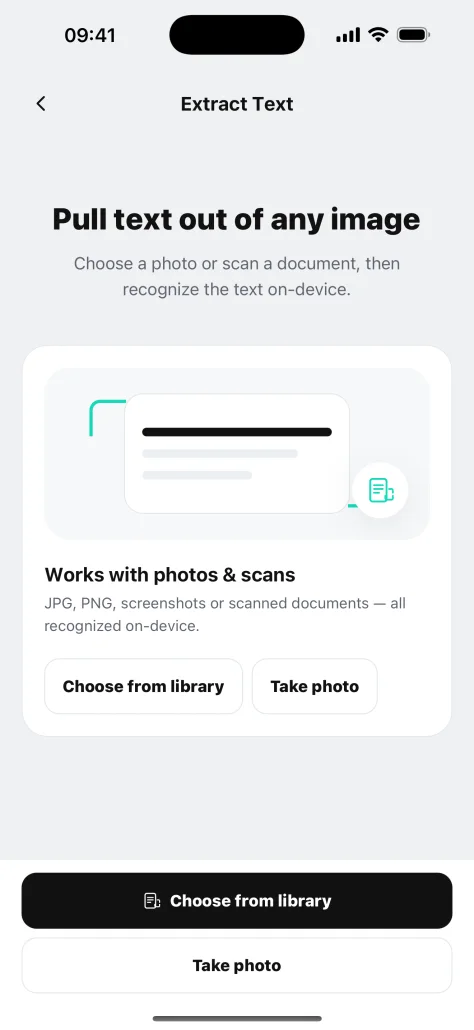
No setup maze. Open the camera, capture the page, and choose what happens next.
Real-time edge detection finds the page and straightens the perspective automatically.
Apply a crisp filter, reorder pages, and pull searchable text from scans or photos.
Sign, compress, convert, watermark, lock, or export the finished document.
The tools you use most stay clear, fast, and one tap away.
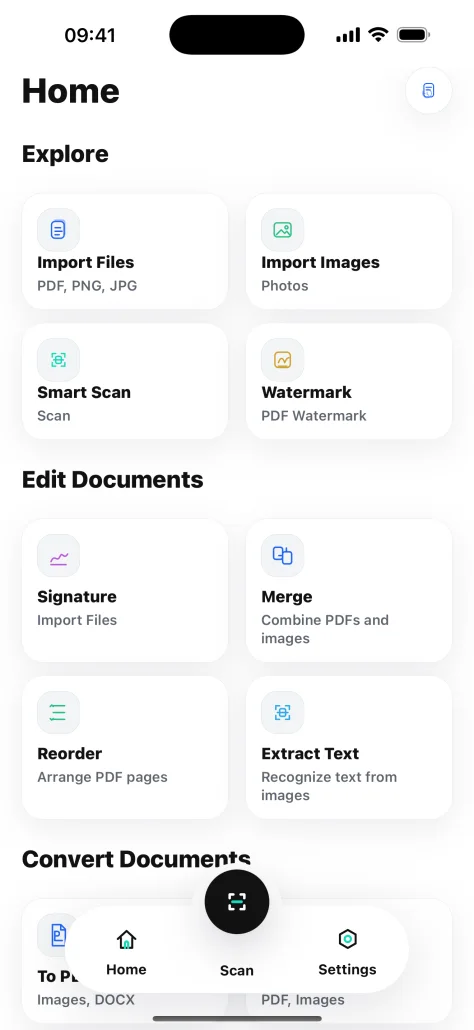
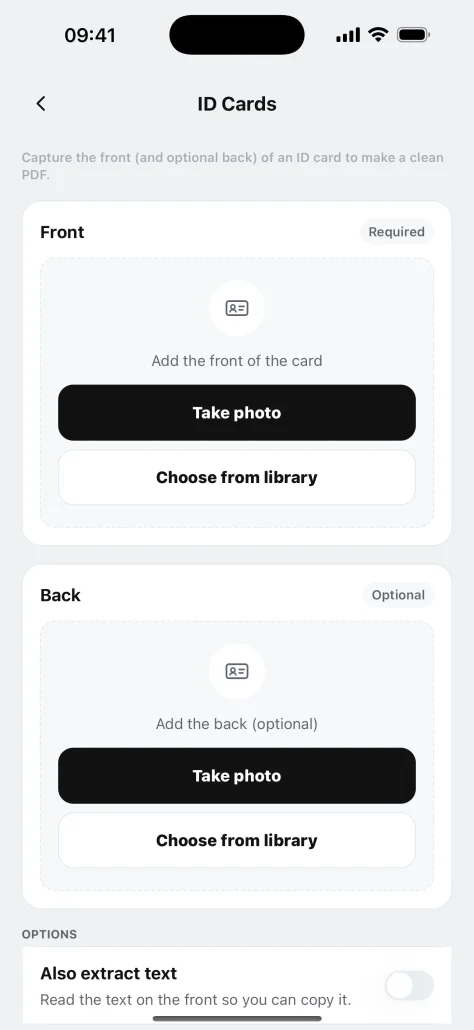
Built for contracts, receipts, invoices, IDs, notes, and the files that keep life moving.
Detect edges live, correct perspective, and capture multiple pages into one PDF.
Crisp pages in secondsTurn scans and photos into text you can copy, search, and reuse.
20+ recognition languagesCreate, save, place, resize, and send signatures without printing a page.
Sign and send in one flowMerge files, extract pages, reorder documents, and convert PDFs or images.
18+ practical toolsPlace the front and back of an ID neatly on one print-ready A4 page.
Front and back, perfectly alignedShrink file size, add passwords and watermarks, then export confidently.
Smaller files, stronger control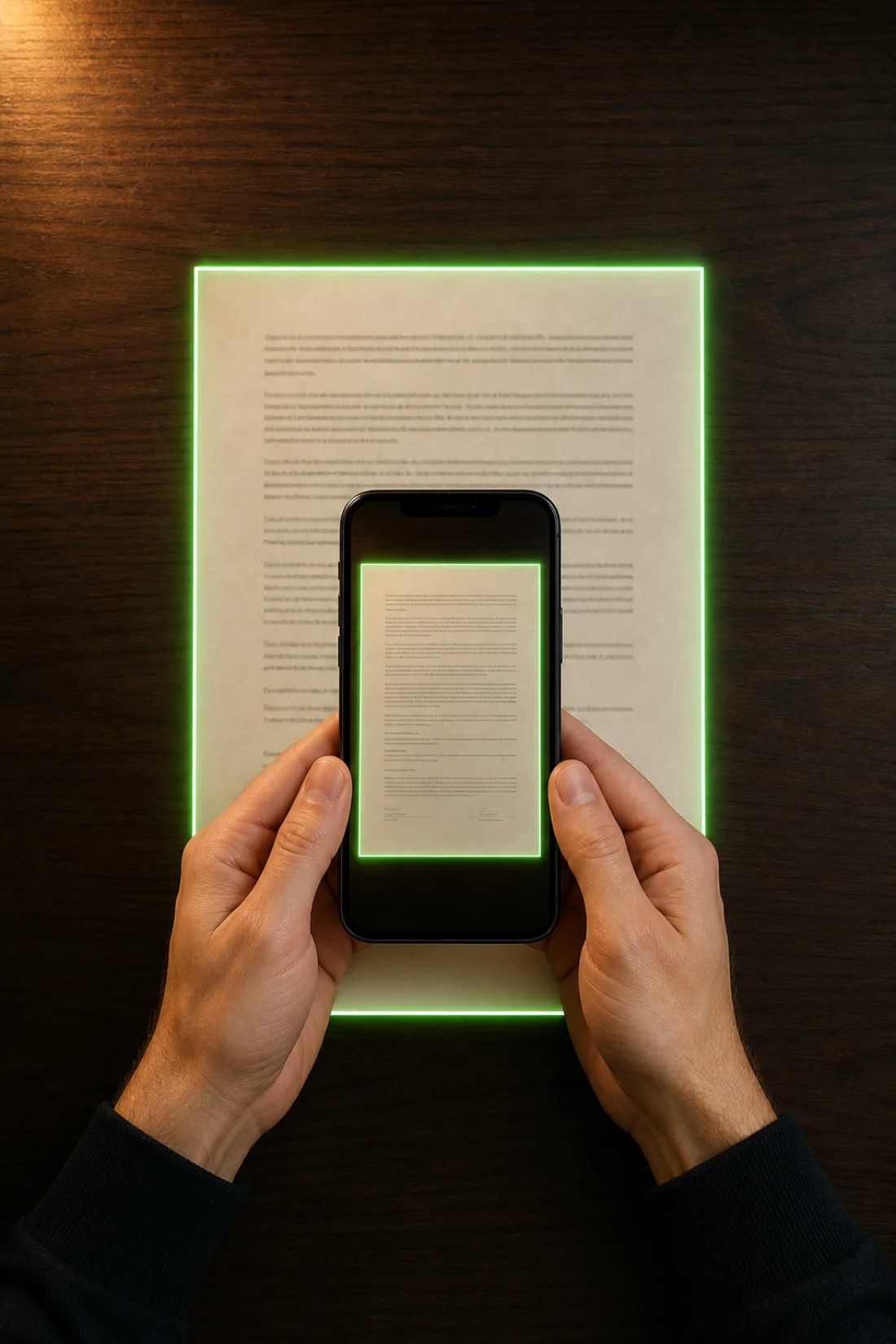

OCR, signatures, PDF edits, and exports run on your device. No account is required, and your files are never uploaded for processing.
Download the app free, then choose the Pro option that fits your workflow.
The complete ScanOwl toolkit for everyday document work.
Pay once and keep the full document workspace unlocked.
Weekly plan also available in the app at $6.99/week.
Yes. Scanning, editing, OCR, signatures, and exports are designed to run on your device. You can complete the core document workflow offline.
No. Your documents are processed locally on your iPhone and are not uploaded to a ScanOwl server for processing.
ScanOwl works with PDFs and common image formats such as JPG and PNG. It can also convert documents into images, DOCX, or long images where supported.
Yes. Batch capture lets you scan multiple pages in a row, reorder them, and export everything as one PDF.
Yes. ScanOwl is free to download. Pro unlocks unlimited workflows and the complete document toolbox. Prices are shown in the App Store before purchase.
SCANOWL FOR IPHONEDownload ScanOwl and keep scanning, editing, signing, and sharing in one private workspace.
Get ScanOwl on the App Store